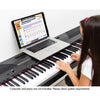
eMedia My Piano
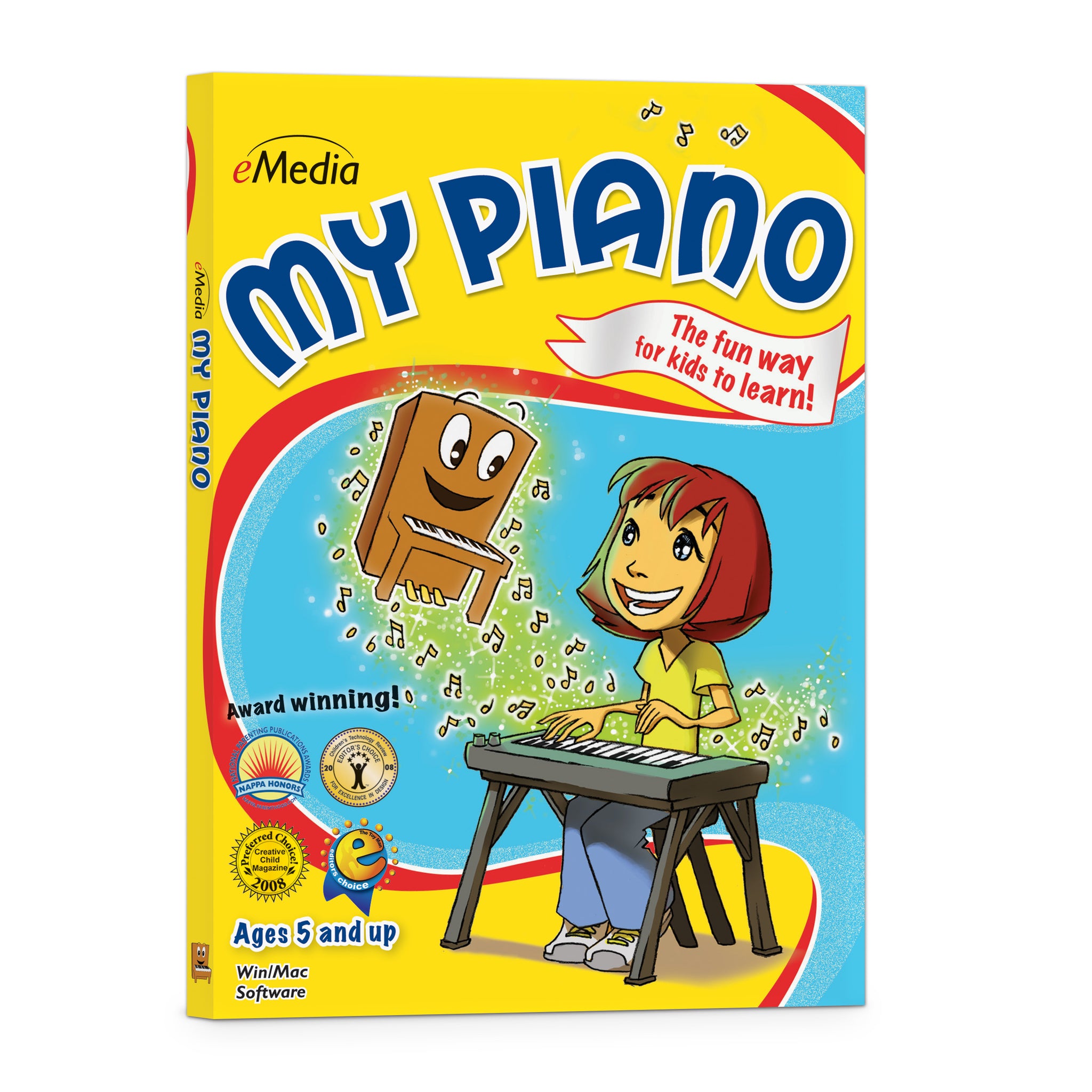
It’s easy and fun to learn with Pam the Piano!
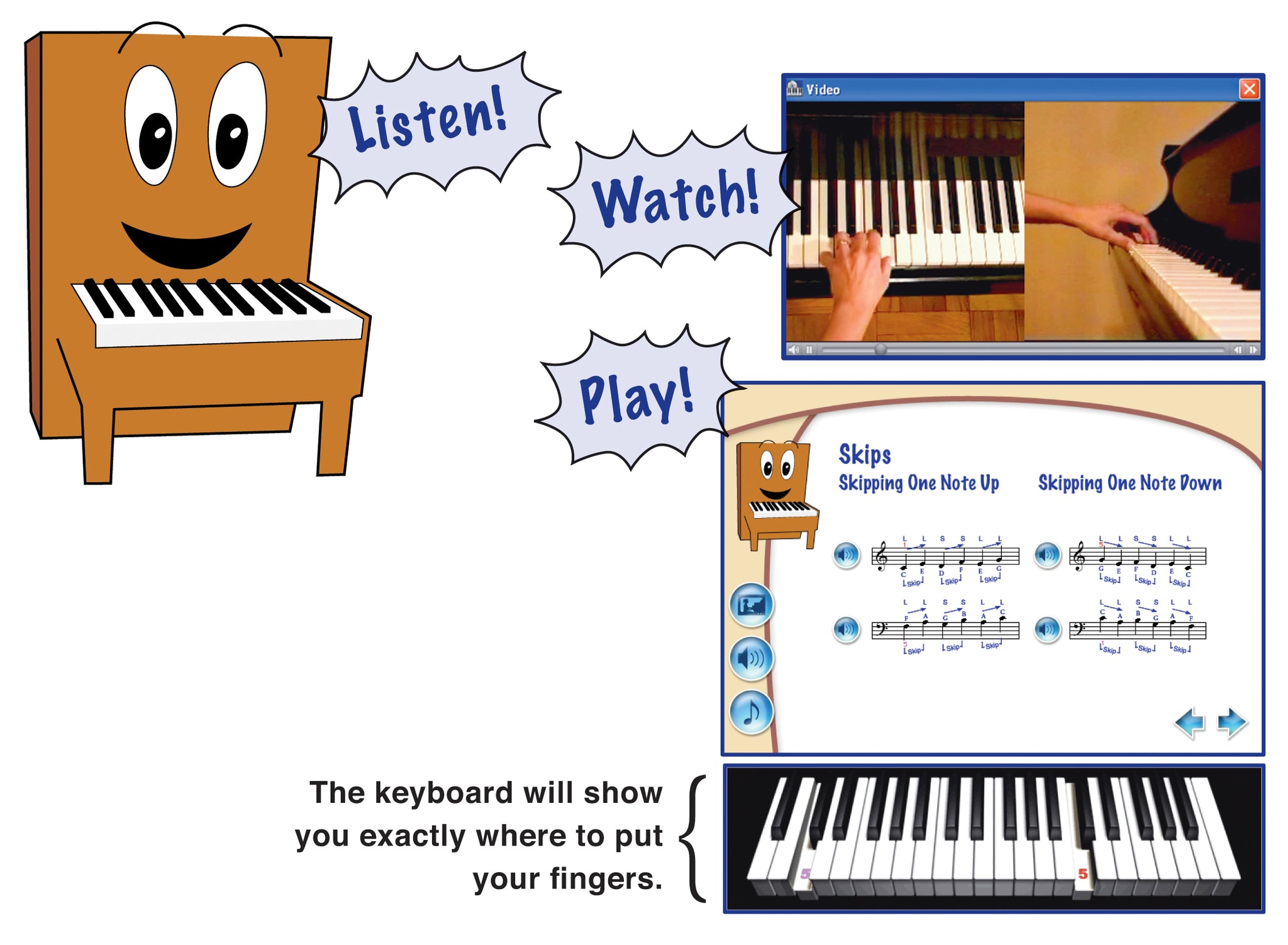
Pam explains how, the videos show how, and the screens have the songs. Students can learn how to tune their guitar, play riffs, strum power chords, and more.
- SKU: EK12097DLWS
Discount Code Found:
However, this item is currently on sale, and discount codes may not be combined with other offers.
Click ‘Add to Cart.’ Then ‘Go to Cart’ and click ‘Proceed to Checkout’ to see it applied on the next page (if applicable to your order). Discount codes may not be combined with other offers.
Click ‘Add to Cart.’ Then ‘Go to Cart’ and click ‘Proceed to Checkout’ to see it applied on the next page (if applicable to your order).
Interactive Piano Lessons Software for Kids
Beginner Kids Piano Lessons that Include Music Games, Easy Piano Songs, and Interactive Feedback to Make Learning Fun!
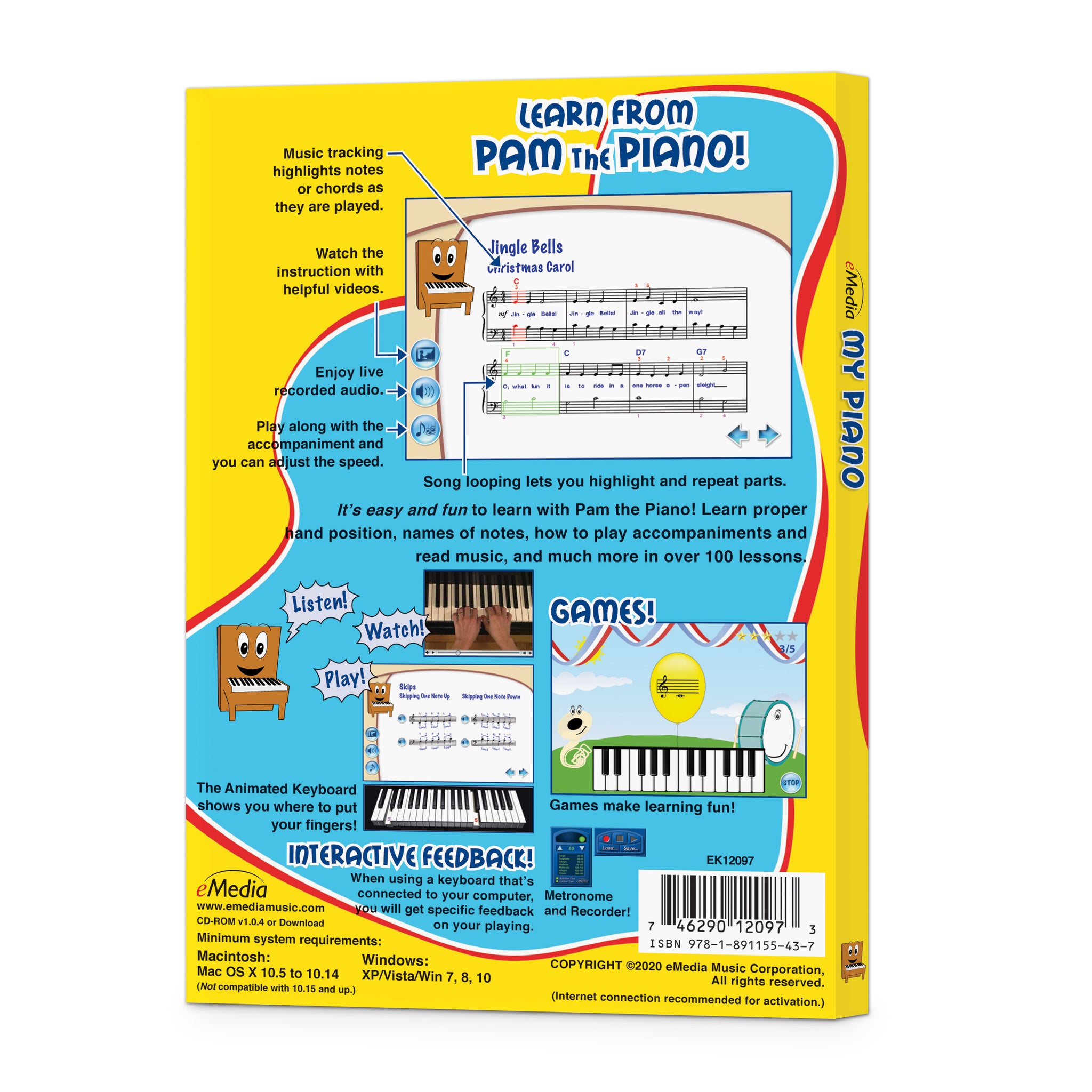
The award-winning eMedia My Piano software was designed as a complete, engaging course of over 100 piano lessons for kids. Irma Irene Justicia, M.A., who has taught at the renowned Juilliard School of Music, and animated character Pam the Piano teach music basics including rhythm, how to read piano sheet music, and how to play popular, easy piano songs. Learning how to play piano helps encourage a child’s self-discipline, confidence, and creativity. In fact, research proves that children who play music make friends more easily and excel at their schoolwork.
Kids Can Learn to Play Piano
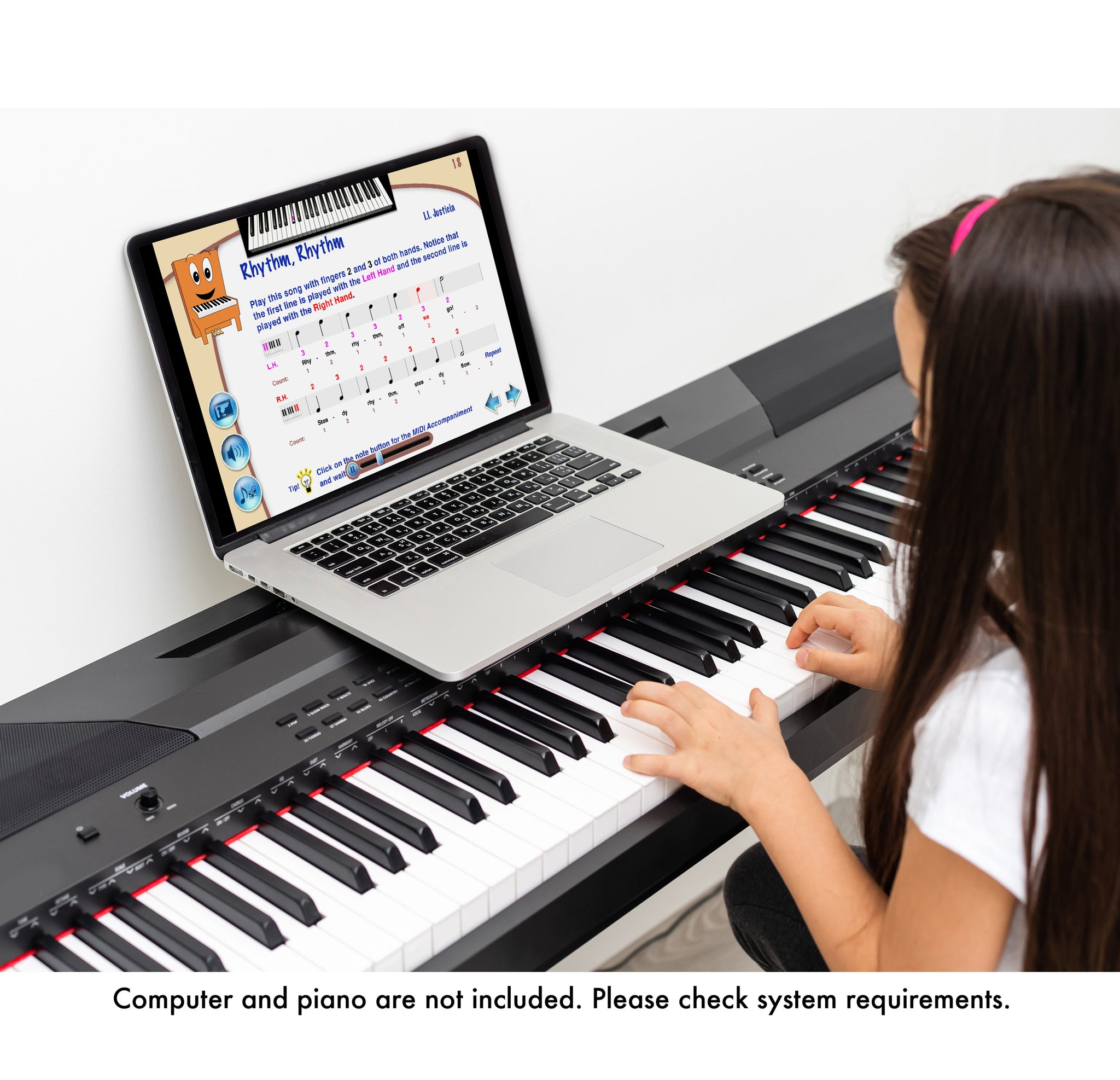
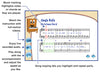
Kids learn piano faster and easier with eMedia piano lesson software as they follow along with on-screen notation and the Animated Keyboard. Interactive Feedback technology points out any playing mistakes, shows what should have been played, and provides an overall score (MIDI keyboard required). In addition, the included music games for kids keeps them having fun as they learn. eMedia My Piano was designed for today’s kids who expect interactive experiences. So start your child out with eMedia’s beginner piano lessons for kids that teach them all the music basics in a fun, new way!

The Fun Way to Learn Now it’s easy for kids ages 5 and up to learn how to play piano! An animated character named Pam the Piano guides kids through over 100 lessons by former Juilliard School of Music instructor Irma Irene Justicia, M.A. Games make learning fun, and kids will learn songs that they can share with their friends!

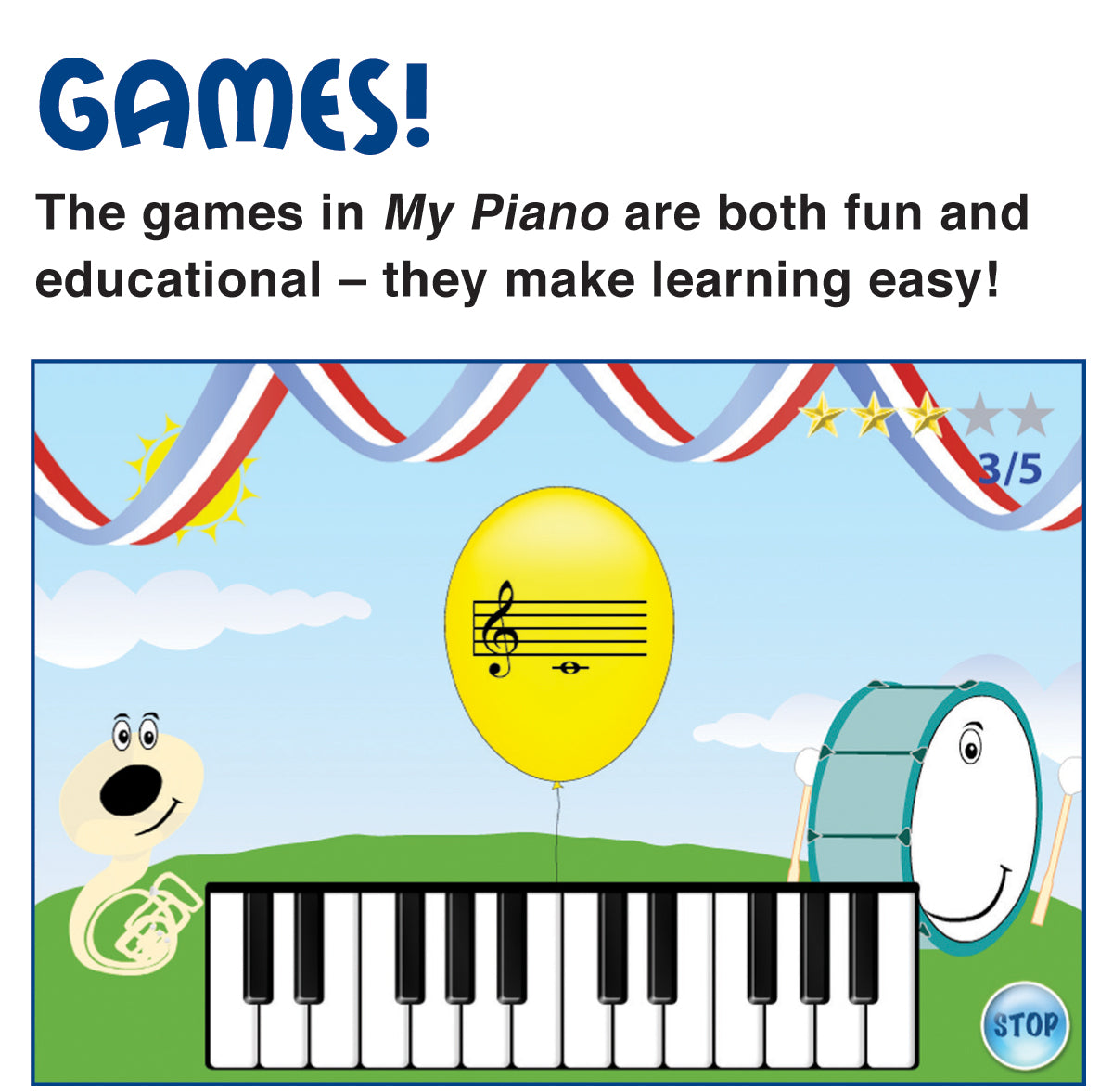
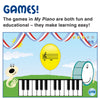
Educational Games help children learn chords and songs by reviewing what they learned in the lessons. While interacting with playful characters and scenes, kids will have fun while learning music!
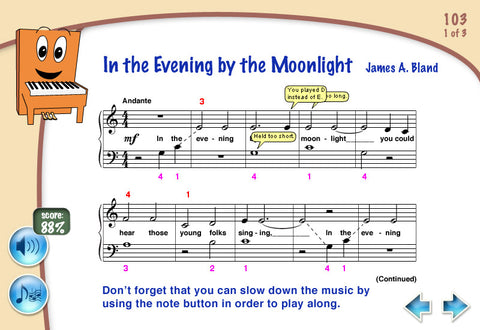
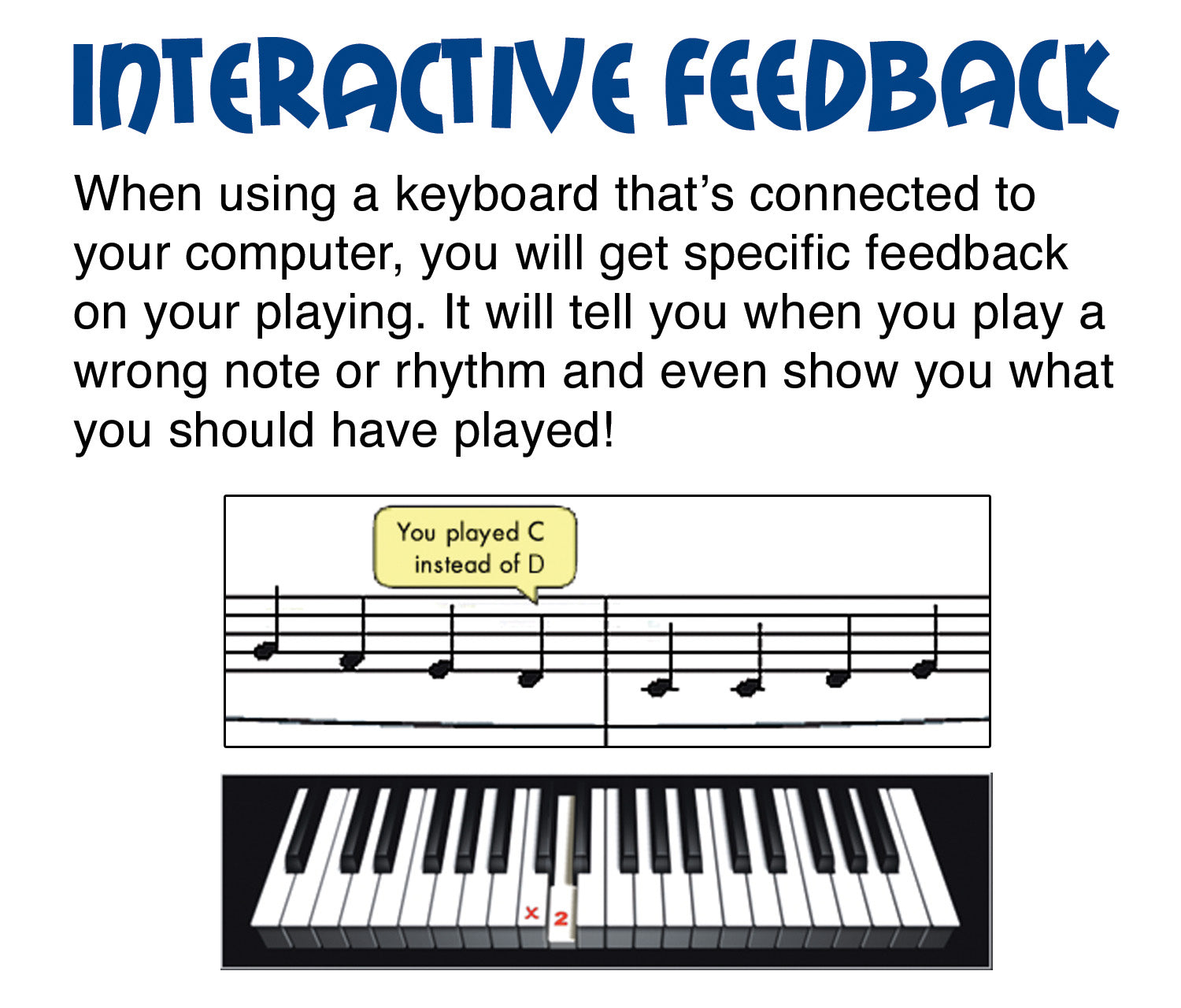
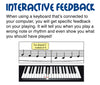
When used with a MIDI keyboard, kids get Interactive Feedback on notes and rhythms they played wrong and find out what they should have played instead. There’s also an overall score to show them how well they did on the song.
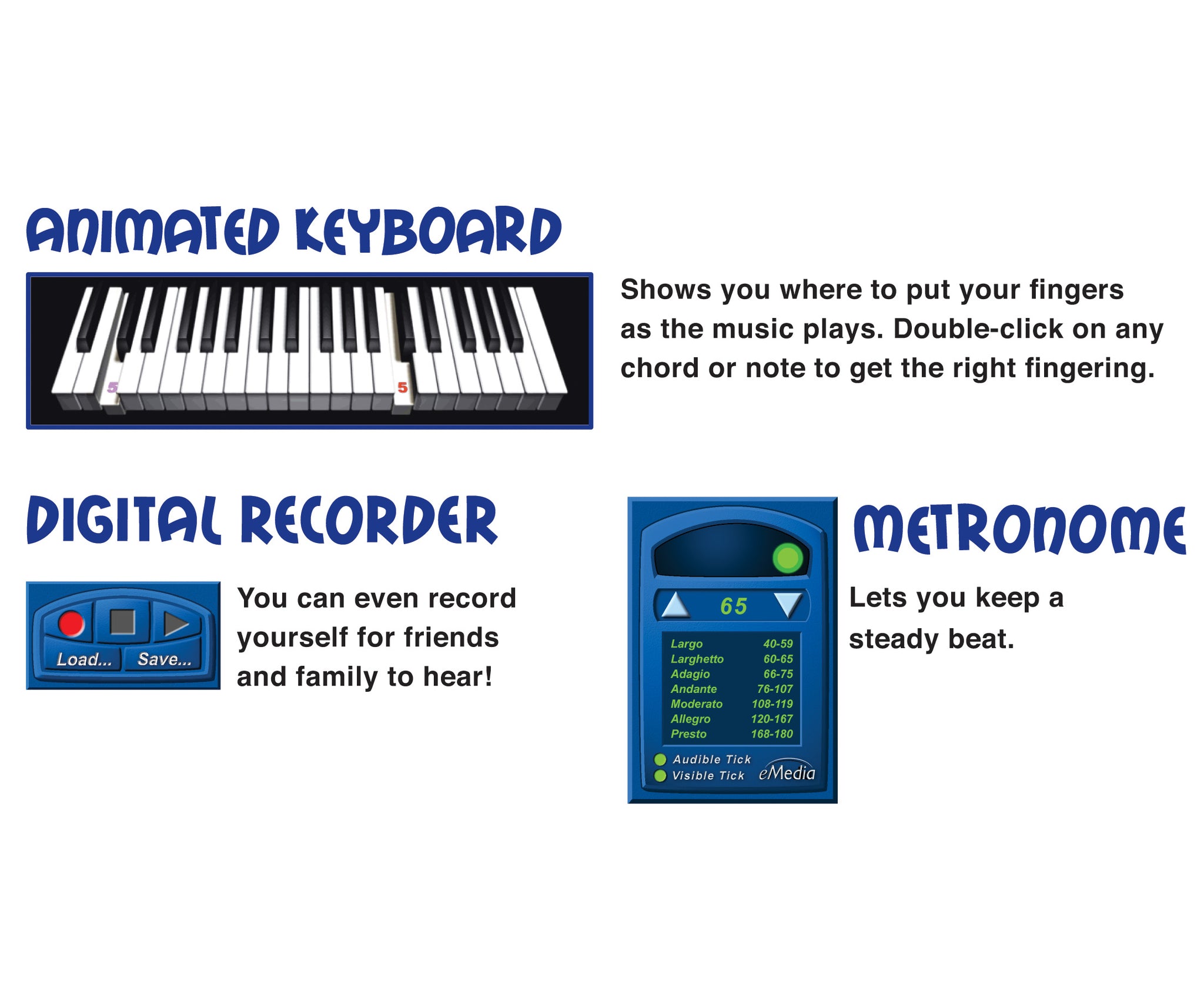
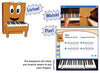
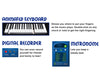
 The Animated Keyboard shows color-coded fingerings as the music plays so kids can easily follow along. Double-clicking on any chord or note will also show them where to put their fingers.
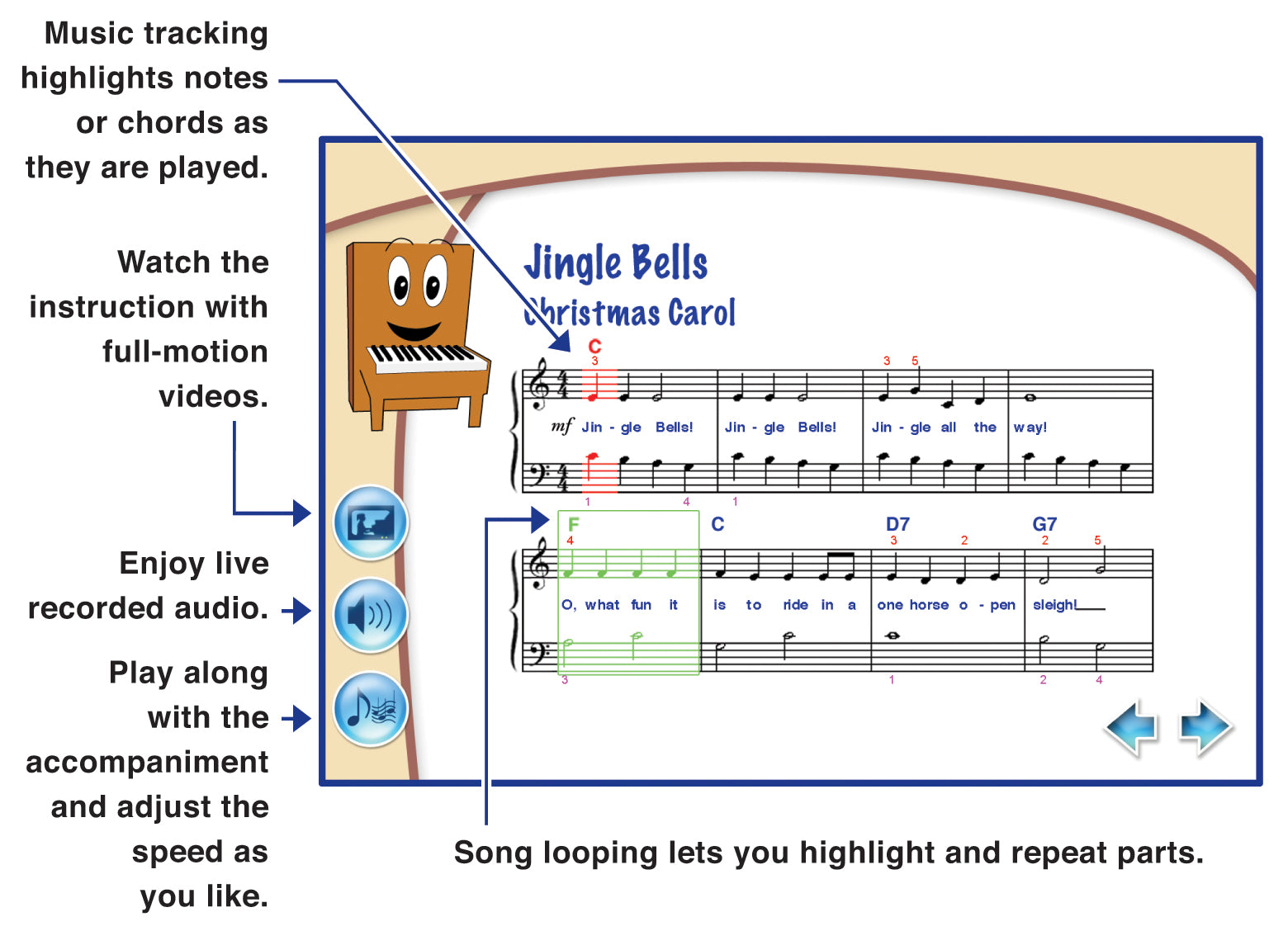
 Audio and MIDI Tracks Audio playback for selected lessons include piano only, voice only, and full audio including both piano and voice. Play along with tracks that you can speed up or slow down including colorful MIDI accompaniments, metronome tick, left-hand part, right-hand part, or the two-handed performance.
 The included video instruction is easy to follow and features split-screens and close-ups that guide students through songs and playing techniques.
 With a Metronome, students can set their own tempo and get audio and/or visual cues for staying on beat so they can play in time with the music.
 The Recorder allows students to play into the computer’s built-in microphone (or an external one), record their performance, and save it to the computer. This handy tool lets them listen to what they played and share it with their family and friends.
Attention Educators, please visit our academic product page for information on using this product in schools or for private group instruction.
Interactive Piano Lessons Software for Kids
Beginner Kids Piano Lessons that Include Music Games, Easy Piano Songs, and Interactive Feedback to Make Learning Fun!
The award-winning eMedia My Piano software was designed as a complete, engaging course of over 100 piano lessons for kids. Irma Irene Justicia, M.A., who has taught at the renowned Juilliard School of Music, and animated character Pam the Piano teach music basics including rhythm, how to read piano sheet music, and how to play popular, easy piano songs. Learning how to play piano helps encourage a child’s self-discipline, confidence, and creativity. In fact, research proves that children who play music make friends more easily and excel at their schoolwork.
Kids Can Learn to Play Piano
Kids learn piano faster and easier with eMedia piano lesson software as they follow along with on-screen notation and the Animated Keyboard. Interactive Feedback technology points out any playing mistakes, shows what should have been played, and provides an overall score (MIDI keyboard required). In addition, the included music games for kids keeps them having fun as they learn. eMedia My Piano was designed for today’s kids who expect interactive experiences. So start your child out with eMedia’s beginner piano lessons for kids that teach them all the music basics in a fun, new way!
The Fun Way to Learn Now it’s easy for kids ages 5 and up to learn how to play piano! An animated character named Pam the Piano guides kids through over 100 lessons by former Juilliard School of Music instructor Irma Irene Justicia, M.A. Games make learning fun, and kids will learn songs that they can share with their friends!
Educational Games help children learn chords and songs by reviewing what they learned in the lessons. While interacting with playful characters and scenes, kids will have fun while learning music!
When used with a MIDI keyboard, kids get Interactive Feedback on notes and rhythms they played wrong and find out what they should have played instead. There’s also an overall score to show them how well they did on the song.
The Animated Keyboard shows color-coded fingerings as the music plays so kids can easily follow along. Double-clicking on any chord or note will also show them where to put their fingers.
Audio and MIDI Tracks Audio playback for selected lessons include piano only, voice only, and full audio including both piano and voice. Play along with tracks that you can speed up or slow down including colorful MIDI accompaniments, metronome tick, left-hand part, right-hand part, or the two-handed performance.
The included video instruction is easy to follow and features split-screens and close-ups that guide students through songs and playing techniques.
With a Metronome, students can set their own tempo and get audio and/or visual cues for staying on beat so they can play in time with the music.
The Recorder allows students to play into the computer’s built-in microphone (or an external one), record their performance, and save it to the computer. This handy tool lets them listen to what they played and share it with their family and friends.
Attention Educators, please visit our academic product page for information on using this product in schools or for private group instruction.
Contents Summary
Introduction
I. Introduction, Rhythm, and Notes
Welcome; introduction to pianos and keyboards; sitting position; hand position; numbering fingers; hopping up and down groups of black keys; the Up or Down Game; notes; rests; playing on black keys; Mary Had a Little Lamb; rhythm; clapping and counting; Go Tell Aunt Rhody; Au Clair de la Lune; Alouette; Li’l Liza Jane; the Counting Game; make up your own song.
II. Introduction to Reading Notation, Landmark Notes, Steps
Notes on the staff; treble and bass clefs; the grand staff; Clef Signs and Music Staff Game; find the notes on the keyboard; landmark notes (Middle C, F for the left hand, G for the right hand); The Landmark Note Game; new notes for the right hand; Up We Go to G Song; new notes for the left hand; Walking Up to C Song; the middle C position; steps; the Treble Clef Notes Game; time signatures, measures and bar lines; Stepping Tune in 4/4 Time; Stepping Waltz in 3/4 Time; Ode to Joy; The Up or Down Stepping Game
III. Clef Exercises, Skips, Repeated Notes
Names of notes; treble clef exercises; bass clef exercises; Alouette; the Bass Clef Notes Game; skips; Skipping Tune; Skip and Hop Tune; Wedding March; the Up or Down Skipping Game; repeated notes; Surprise Symphony; Humpty Dumpty; Steps, Skips or Repeated Notes Game; Twinkle, Twinkle Little Star; Pop! Goes the Weasel
IV. Tempo, Dynamics
Tempo Markings; Good Morning to You!; clap and count tied notes; Minuet; Slower or Faster? Game; Red River Valley; clap and count eighth notes; Home on the Range; What Tempo is This? Game; Give My Regards to Broadway; dynamic signs; playing Forte and Piano; When the Saints Go Marching In; playing crescendo and diminuendo; Long, Long Ago; O Come All Ye Faithful; What Dynamic is This? Game
V. Melody, Harmony, Accompaniment
Melody; harmony; playing songs with accompaniment; New World Symphony; Surprise Symphony; Entr’acte from Rosamunde; Cathedral Bells; Softer or Louder? Game; Jolly Old St. Nicholas; Dreydel; In the Evening by the Moonlight; What Note is This? All Notes! Game; Amazing Grace; Jingle Bells; La Donna è Mobile
What reviewers are saying...
 EDITOR’S CHOICE 2008
– Warren Buckleitner, Children’s Technology Review
 EDITOR’S CHOICE 2008
“My Piano is a great software package to teach younger kids how to play the piano.”
– Terry Kibiloski, Computer Times
 EDITOR’S CHOICE 2008
“Very well structured with a logical flow for maximum educational potential for children.”
– Rev. James Fisher, The Toy Man™
 AWARD OF EXCELLENCE 2008
– Rev. James Fisher, The Toy Man™
 NAPPA HONORS WINNER 2008
– Parenthood.com
2008 PREFERRED CHOICE AWARD – Educational CD-ROM Music
– Creative Child Magazine
“Well thought out and engaging.”
– American Music Teacher Magazine
“As a trained pianist, eMedia My Piano is a great first time program to jump-start a future pianist into playing piano at an early age ... this program uses the same basic training methods that I went through.”
– Joshua Virata, The U.S. Daily
“A smart, clean, and easy to follow piano tutorial for beginners ... one of the best interactive piano training packages available.”
– Chad Criswell, MusicEdMagic.com
System requirements
Windows®: Windows 11 / 10 / 8 / 7 / Vista / XPDownload or CD-ROM Macintosh®: macOS 10.5 to 10.14 *
Download or CD-ROM
Internet connection recommended for online activation. Requires a Windows desktop, laptop, or tablet device; or a 32-bit (only) Mac desktop or laptop computer. Not compatible with iPhones, iPads, Android, or Chromebook devices.
* Attention Mac Users Beginning with macOS 10.15 (Catalina), Apple has eliminated the option to run 32-bit apps on the Mac. If you wish to continue using our applications, which currently require 32-bit support, do not upgrade your operating system past Mac OS 10.14 (Mojave). Alternatively, you can retain an older Mac operating system on a separate drive partition. eMedia developers are currently working on software updates to support Catalina and future versions of macOS, but this is a major undertaking. We are currently unable to foresee how long it will take us to create these new versions. If you purchased your eMedia Mac software on or after September 7, 2019, upon receiving proof of purchase we will provide you with a free upgrade to a macOS 10.15 (Catalina)-compatible version of an eMedia application when it becomes available. All other registered owners of eMedia software will be qualified for discounted upgrades.
Questions about system requirements? Contact our technical support department.